How to Make Pass Pages Suck Less
May 04, 2026It's time to talk about the least favorite stage of the publication process for most authors: Pass pages.
If you've never done pass pages before, this is when your publishing team has taken your copyedited manuscript and formatted it for printing. It's often the first time you're seeing the specific font treatments for the book, including what the chapter headings look like. The story finally looks like a book rather than a double-spaced word document.
And while seeing the book in that format can be very exciting, by this point in the process, you've read your book fifty billion times and the idea of reading it again can be incredibly daunting.
You might also feel a lot of pressure going into this final read, because it's generally your last chance to catch any errors before the book goes to print. This combination of factors leaves many authors feeling like they hate their book and convinced it's the worst book ever written in the history of the world.
If that's you, you're not alone. AND! I have some tips to make this part of the process suck a little less.
Get Clarity from Your Editor
If this is your first time completing pass pages (ever or with this particular editor/imprint), check with your editor about expectations for how you'll complete your pass pages.
Some editors are really fabulous about providing detailed instructions for how pass pages need to be done, including what software you need to use to complete them (Adobe Acrobat seems to be the most common). When I got my pass pages for With All My Haunted Heart, my editor at Berkley included a PDF document with specific instructions on which tools to use within Adobe to make my comments/changes.
If your editor sends you back pass pages without any instructions on how to complete them, ask! This work is tedious enough without needing to do it twice. (Which is why it's also a good idea to do a page or two, save, then close and reopen the document to make sure things are saving correctly! Save early and often!)
There is nothing wrong with needing additional guidance for pass pages.
I've done them for four different books across two imprints at this point, and this most recent set of pass pages was very different than the others. Previously, I'd gotten pass pages that were already marked up by the cold reader/proofreader. This time, I got a clean PDF file (minus a few notes from the person who put the file together) that I had to go through myself and mark-up.
How Much Are You Allowed to Change?
The most common question I get about pass pages is how much you're allowed to change during this stage of the process, and there are a few answers to this.
In your publishing contract, there is likely a clause that talks about how much you can change in pass pages without incurring the cost of redoing the typesetting. Usually, this is somewhere in the 10% range. If you make changes that require the document to be redone (because of a big change in line count/page numbers, etc.) this can be a timely and costly process to adjust.
That's why pass pages are intended to be a final proofreading step. It's your chance to ensure that all the changes you made in copyedits have been implemented correctly and to check for any new errors that were introduced during formatting.
By the time your book makes it to pass pages, you (ideally!) have already made the story (and language choices) shine.
Everyone's process is different (and sometimes deadlines affect whether you're able to keep to your ideal process), but I personally do my really close read of the book during line edits. This is when I check for commonly overused words, personal crutch words, etc. It's also when I read aloud (or have the computer do it) so I can adjust any sentences don't flow the way I like.
Because I do my close read during line edits, when I get copy edits (which I talked about in-depth here), I only address the notes from the copy editor. I DO NOT read the entire manuscript again. I save that final read for when pass pages show up. But again, that final read during pass pages is for true errors. It's not a time I let myself fuss around with infinite little language changes.
Ultimately, though, this is YOUR book with your name on the cover.
If you find something really egregious in pass pages that needs to be changed, you can do that. I've heard of authors who have added scenes or completely rewritten a chapter in pass pages. Your editor likely won't be thrilled (and as I mentioned above, it could result in you needing to pay for the book to be typeset a second time), but if you feel strongly about it, you can make those changes.
And depending on your deadlines, this may be the first chance you're getting to do that really deep read and finesse the language in the book. If that's the case, you may do a bit heavier of a pass and then commit to ensuring you have more time earlier in the process for that step in the future.
Utilize the "Read Out Loud" Feature
While this won't work for everyone (I know some folks cannot stand the sound of a computer voice), utilizing Adobe's "Read Out Loud" feature makes pass pages so much faster for me.
Left to my own devices (aka reading in my head), I tend to read over the same sentence over and over to make sure I like it. I also tend to miss typos as my brain sort of auto-corrects to what I knew it was supposed to be.
By using the read out loud feature, I can hear the actual words on the page (in a voice that isn't mine) while following along with the text as I go. I catch SO MANY TYPOS this way, including missing punctuation.
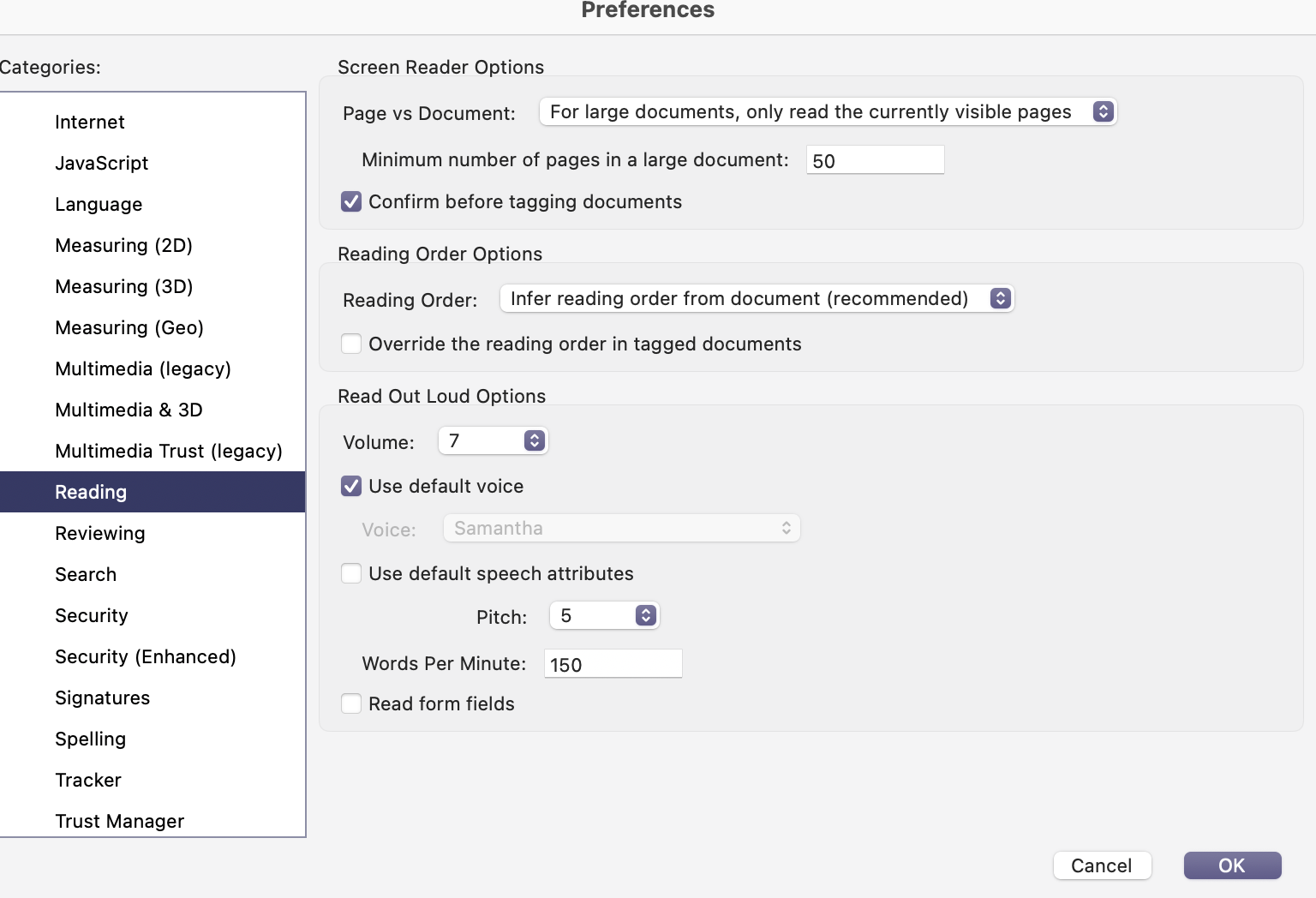
I also tend to turn up the speed on the reader because I cannot stand the slowness of the normal speed. (I'm also someone who turns up the speed on audiobooks to match my personal speaking speed, so your milage may vary here.) In Adobe, I tend to change the words-per-minute from 150 to 200.
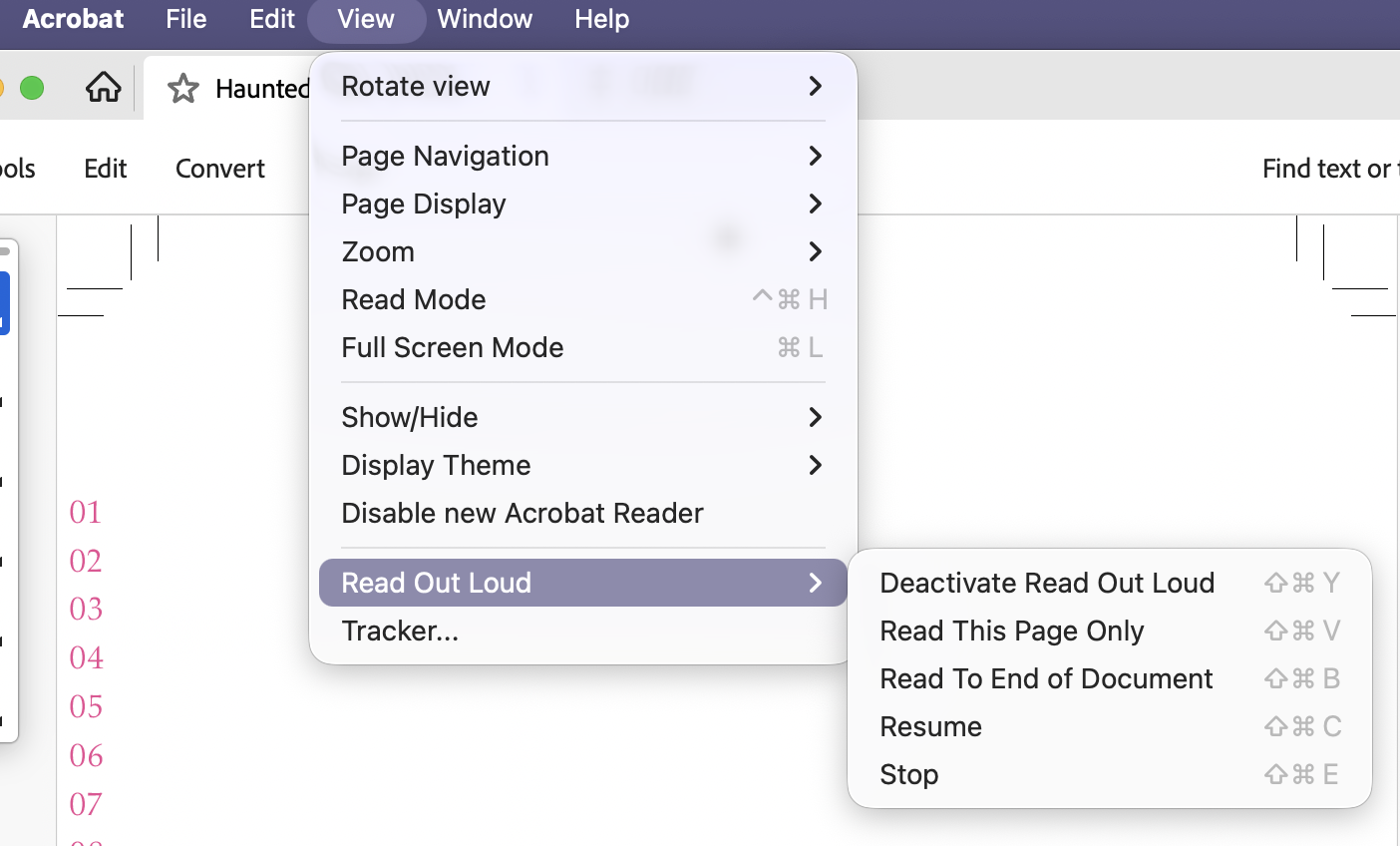
To use the Read Aloud feature in Adobe, go to "View" then "Read Out Loud" Then select "Activate Read Out Loud."
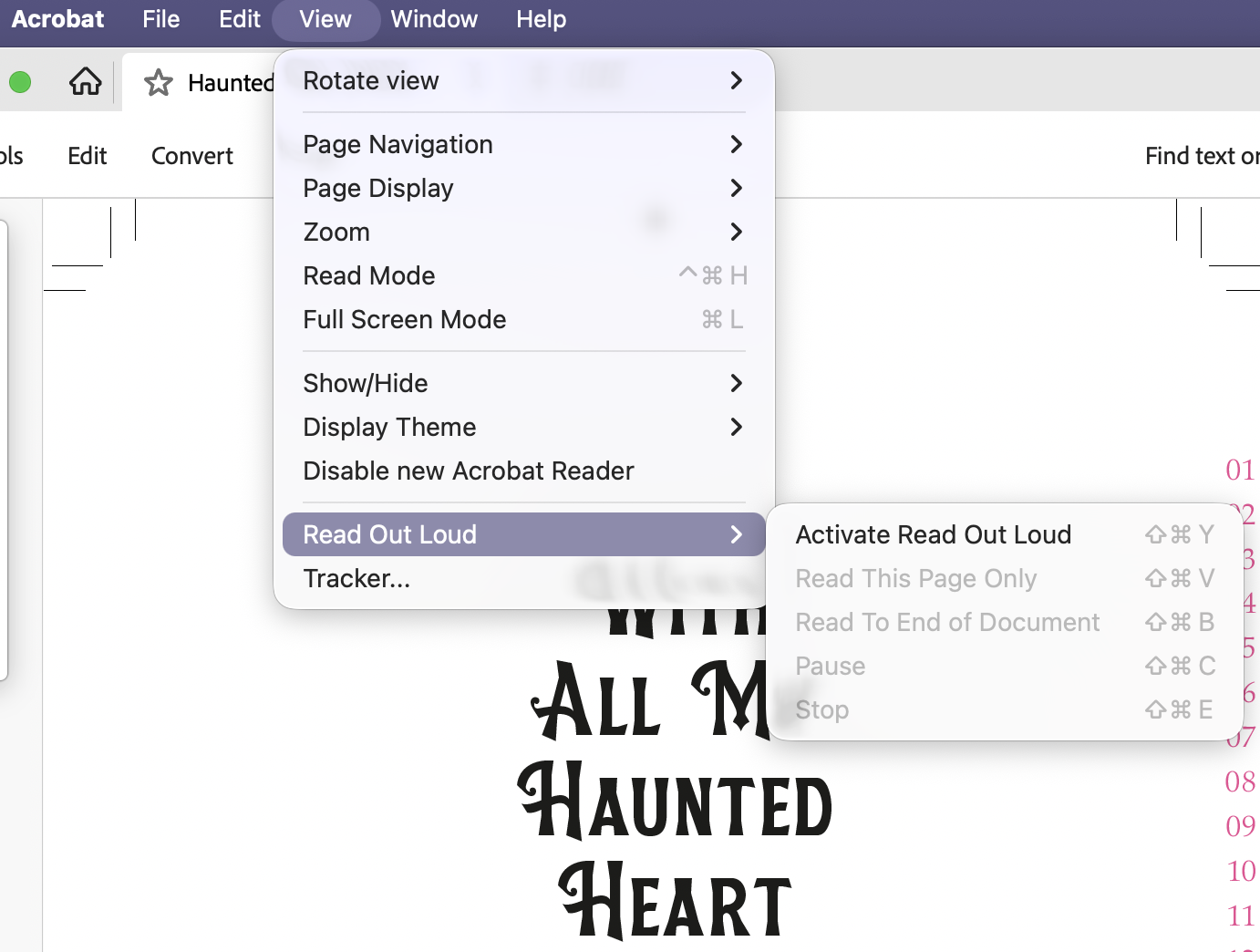
Once activated, you'll access to the other tools. I ended up getting used to the different shortcut keys, which made the process even faster.
Finally, you can adjust them words per minute by clicking on "Acrobat" at the top, selecting "Preferences" and adjusting them in the "Reading" section. You'll need to unselect "Use default speech attributes" in order to adjust.
Even if this doesn't initially seem like it might be for you, give it a try and see. It has been such a game changer for me, and it's not something I would have thought I'd enjoy.
Collect Your Favorite Quotes
This is a short and sweet tip for you: since you're reading through the entire book anyway, take screenshots of your favorite quotes as you go!
Don't let yourself get distracted by actually trying to make cute graphics of these quotes as you go, though. Simply take screenshots of any bits you really love in the book and throw them in a folder to use later.
I'm not great at graphics, but I utilized this in three ways. First, sometimes I used the actual screenshot from the pass pages:
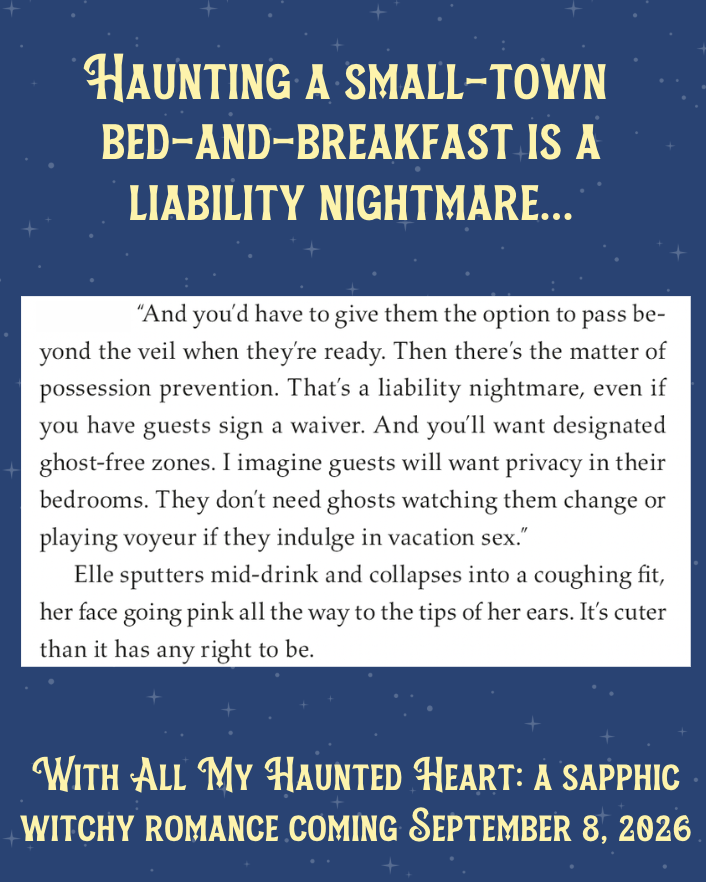
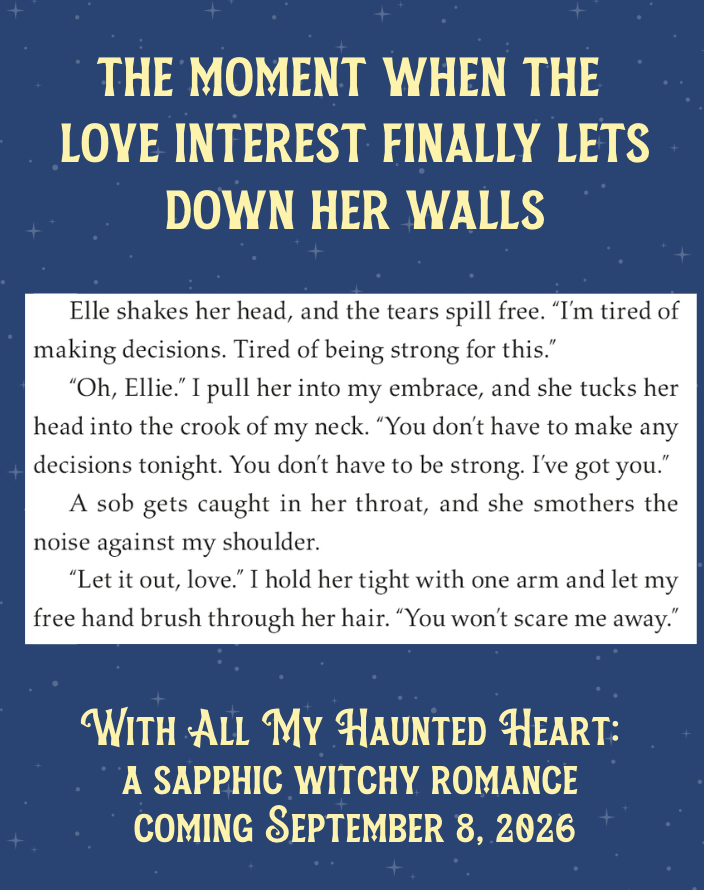
Then sometimes I just used the screenshot so I had easy access to the text I wanted and then created a fresh graphic:
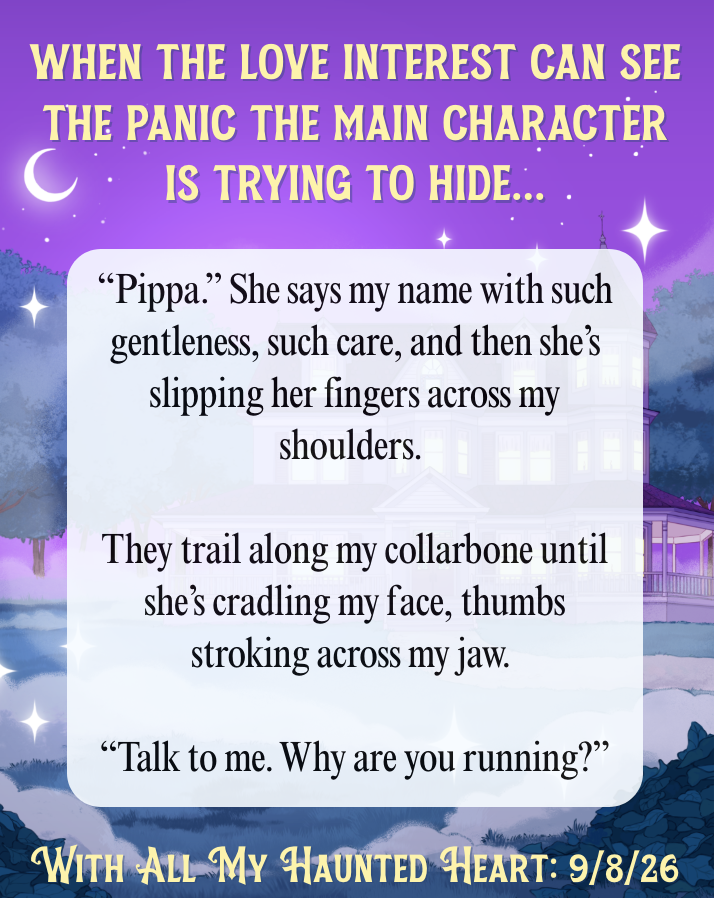
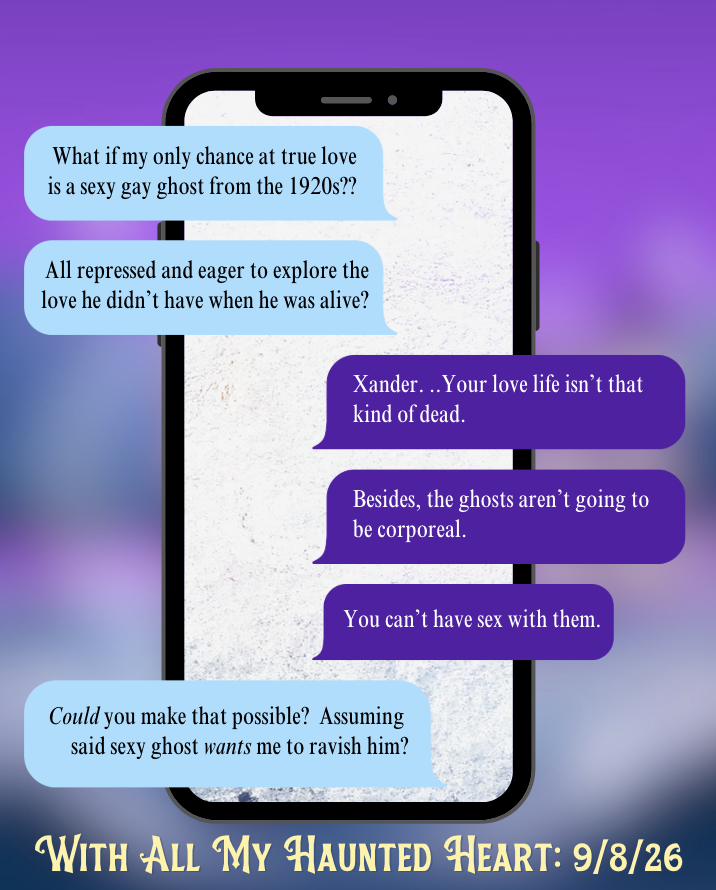
Finally, I have Vellum, so I made an ebook that I loaded onto my phone and used the pass pages screenshots to know what line to look up to grab a screenshot of the ebook screen:
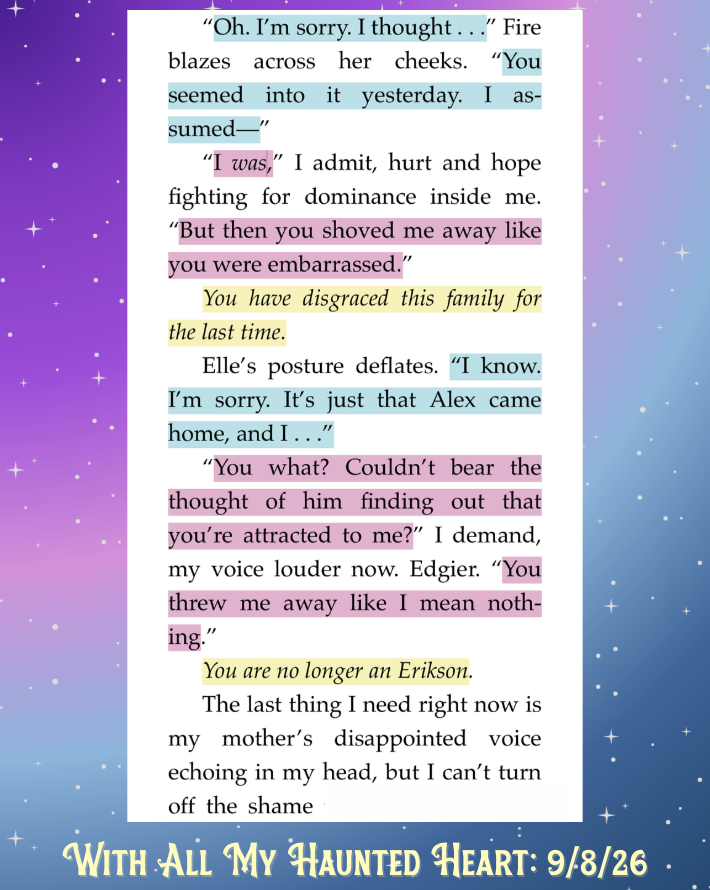
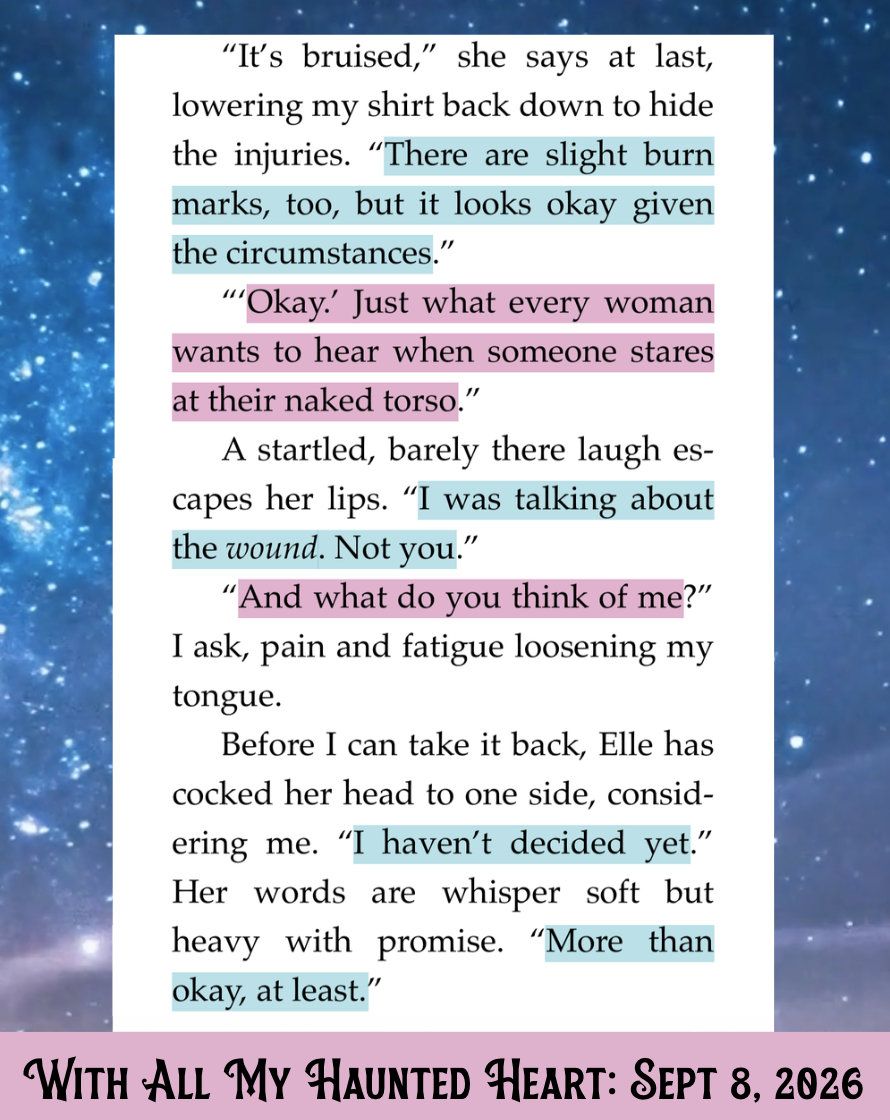
Again, I'm certainly not an expert at graphics, but having a ton of screenshots from passages made this process quick and easy. I now have dozens of these all ready to go for when I start my marketing efforts once we're within 60 days or so of the book coming out.
Make Peace with Imperfection
This last tip for making pass pages suck less might feel a little ouchie, especially for the perfectionists.
Your published book will have errors in it.
I'm sorry to be the bearer of bad news, but it will. Probably even a couple. And yes, there may be some people who feel the need to point this out to you, but I promise it will be okay. A couple of typos or a missed word or bit of punctuation isn't going to ruin the story you've spent so much time crafting.
There comes a point of diminishing returns with proofreading. You're welcome to disagree, but for me, spending an extra 10+ hours to catch 1-2 typos is simply not worth it. We can have high standards for our work without tying our self-worth to having a perfect, error-free manuscript.
Don't torture yourself during pass pages. Give it a read through and send it along.
Final Thoughts
If you follow these tips and still find yourself hating your manuscript during pass pages, trust that it's simply a result of so much repetition. What feels boring and trite now only feels that way because all of these words came out of your brain. To your readers, it will still be fun and new and unique. Once you've had some space from the book, write a list of the things you love about it to remind yourself that you did, in fact, do a good job.
Your book is amazing. I promise. You're just sick of it right now, and that's okay.
Happy writing,
Isabel
PS - I currently have space open for new private clients. Click here to learn more and schedule your free enrollment call.
PPS - Don't miss a single issue of Real Talk for Writers. CLICK HERE to sign up for the Real Talk newsletter. You'll receive an email every other Monday morning with the newest issue plus notifications about upcoming workshops.